This blog post explains how PlatformIO simplifies the development of microcontroller projects, especially when developing for different hardware platforms. PlatformIO eases the often tedious task of adapting software for different microcontrollers. The central role is played by the platformio.ini file, in which the configurations for the various microcontrollers are defined. It describes how to specify hardware and make specific adjustments. The post shows how to design code to be cross-platform, even with differences in pin assignments. Using the example of a blinking LED, it demonstrates how PlatformIO increases flexibility and simplifies switching between microcontrollers.
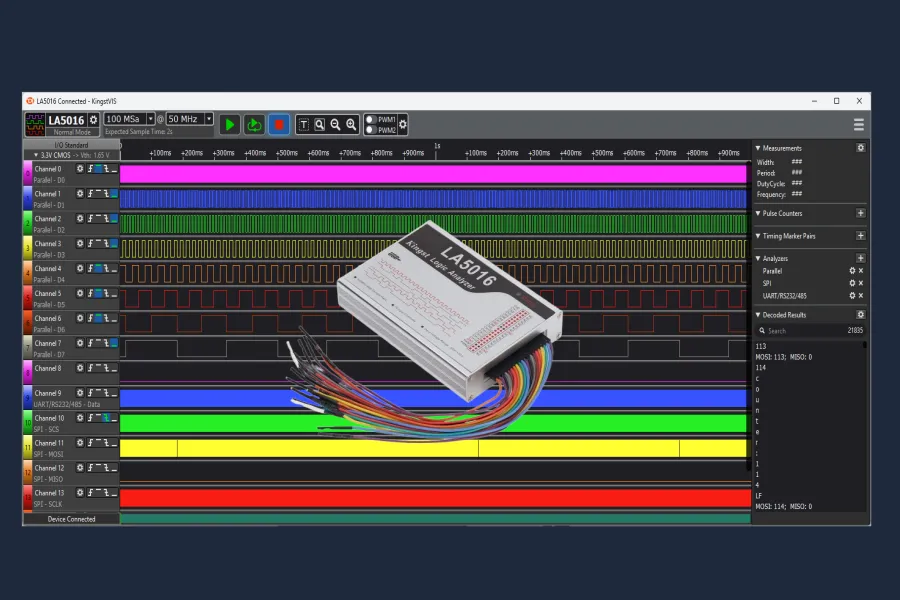
Discover the Kingst LA5016 Logic Analyzer: A powerful and cost-effective tool for digital circuit analysis. With 16 channels, 500MHz sampling rate, and comprehensive protocol support (UART, SPI, I2C, CAN, and many more), the LA5016 enables precise debugging and optimization of your electronics projects. Learn how to analyze complex signals, set triggers, and decode protocols with the user-friendly Kingst VIS software. This post is ideal for developers, engineers, and hobbyist electronics enthusiasts who want to test and debug their digital circuits efficiently.The blog includes practical examples and tips for using the LA5016 based on a custom-designed Arduino Uno program.
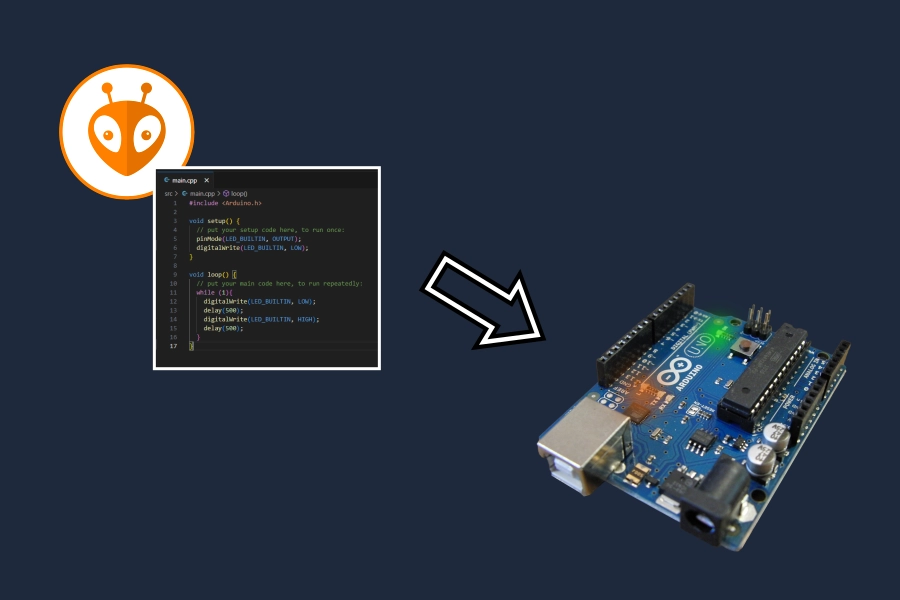
The time has come: the first PlatformIO project “blinky” is being implemented on an Arduino Uno. A new project is created, its structure explained and its configuration is adapted to the requirements. If you follow the instructions you will be rewarded with a flashing LED ;).
This article breaks down the key differences between Arduino, PlatformIO, and MicroPython and their advantages and disadvantages. After reading this article you should have a better understanding of which environment could be the best choice for your project.