
This guide provides a practical walkthrough for installing DaVinci Resolve Studio on Arch-based Linux distributions like CachyOS. While the free version is readily available via pacman, the Studio version requires a specific manual step to handle the official license-protected binaries within the yay AUR helper.
Davinci Resolve availability in package managers #
DaVinci Resolve Studio is my preferred sofware for video Editing. The free version of DaVinci Resolve offers already a lot of nice features, but the Studio version is really fully loaded with a ton of nice features. Installing it on Linux (CachyOS) though needs some small little trick ;)
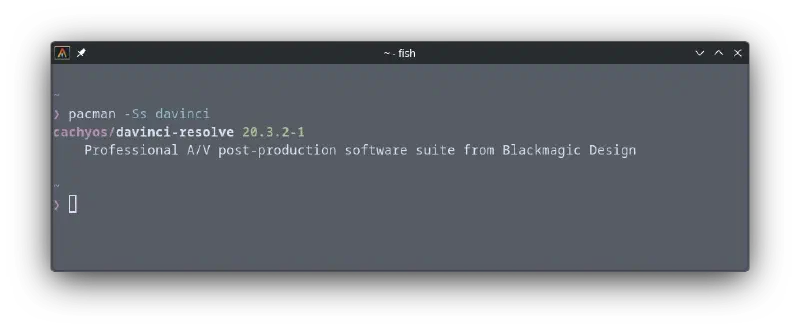
DaVinci Resolve (free version) is available in pacman:
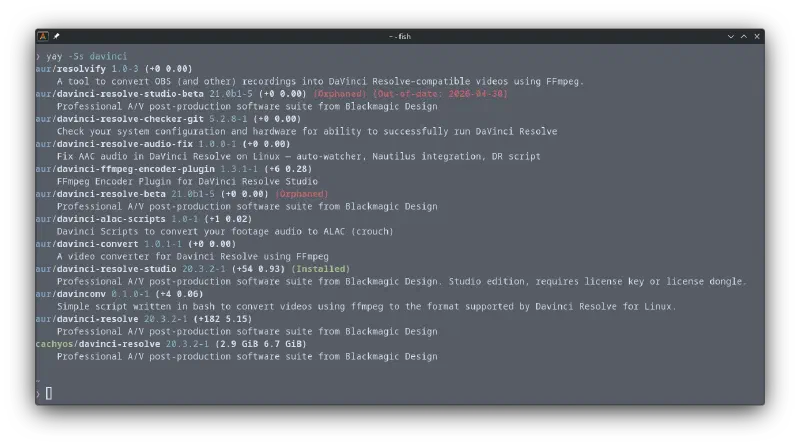
yay package manager (AUR helper) offers several options of DaVinci Resolve, including the Studio Version:
Installation #
In order to install DaVinci Resolve Studio Version follow these steps.
Start Installation script:
yay -S davinci-resolve-studioThis command will start and execute but will generate an error, because the official .zip file cant be downloaded.
The terminal will show you exactly which version is required: in this specific case: “DaVinci_Resolve_Studio_20.3.2_Linux.zip”
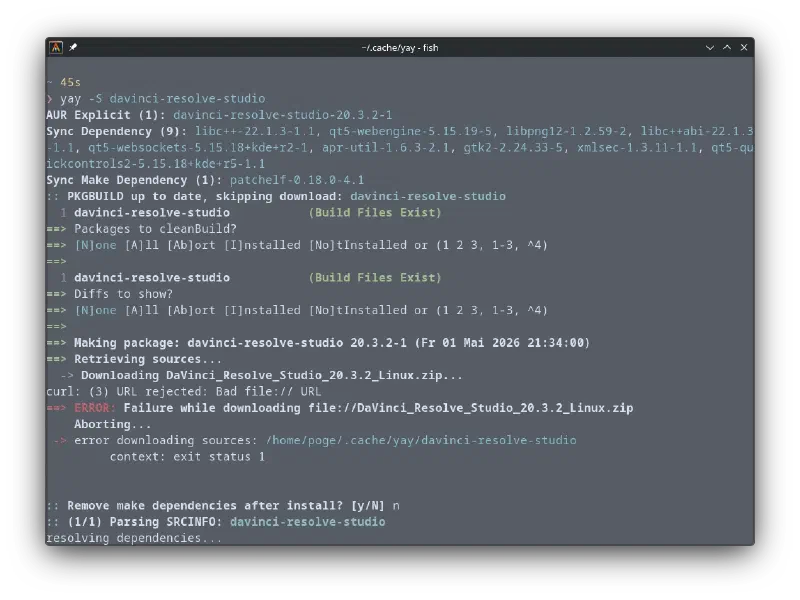
Download the required file via the website: https://www.blackmagicdesign.com/support/family/davinci-resolve-and-fusion. In order to download the studio version you need your license key - this is also the reason why the isntallation/download via the package manager is not working.
Once the file is downloaded copy or move it to: ~/.cache/yay/davinci-resolve-studio
Run the installation once again:
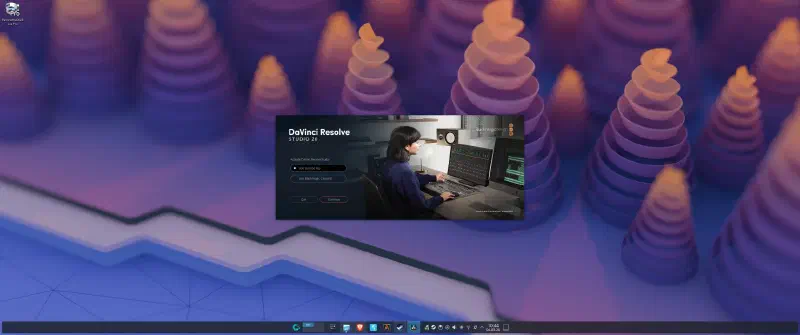
yay -S davinci-resolve-studioNow the installation should run without any incidents and DaVinci Resolve Studio can be used.
Activation #
If the Software activation is not working, you might have to manually change write permissions to your license file.
sudo mkdir -p /opt/resolve/.license
sudo chmod -R 777 /opt/resolve/.license
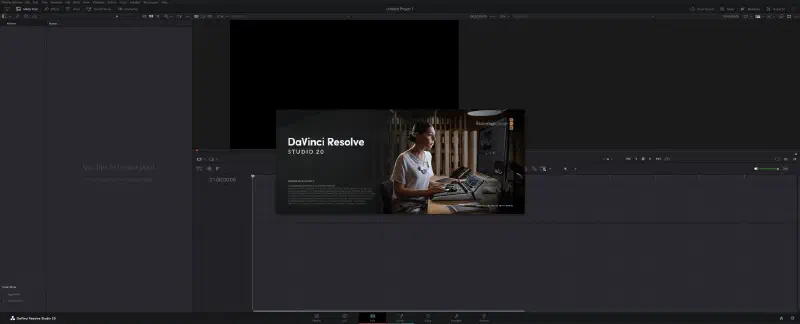
Restart DaVinci Resolve Studio and try to activate your license again. In my case this file permission was causing the activation issue.
Stability issues (AMD) #
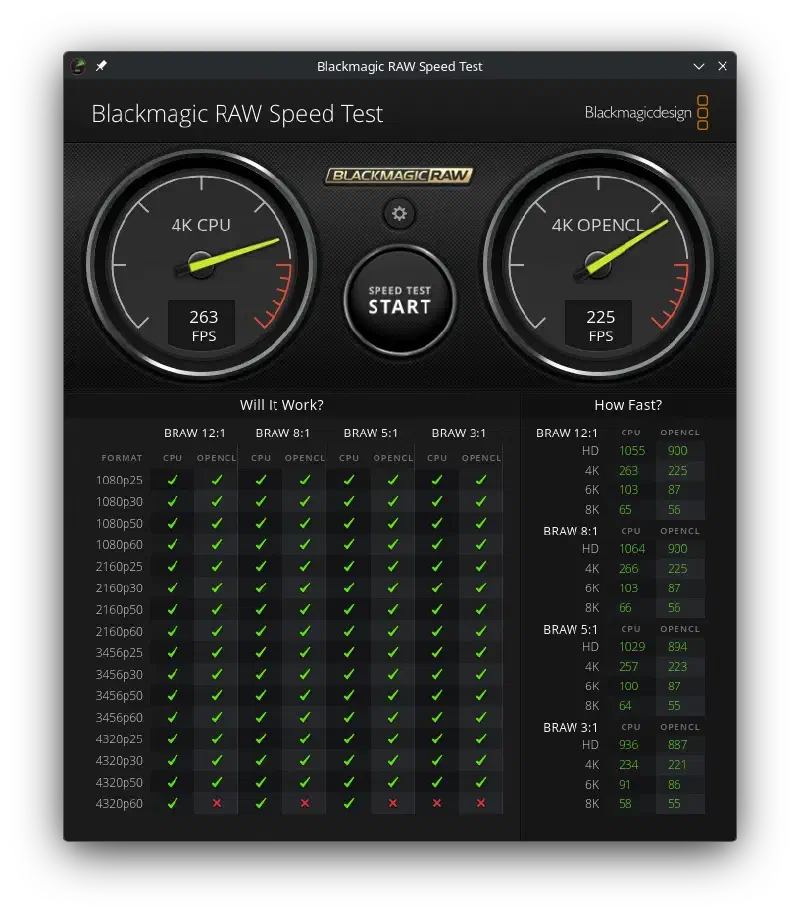
In my case DaVinci Resolve crashed very often, additionally the “Blackmagic RAW Speed Test” got no GPU results. This indicates that there might be some software issues / driver issues. A Lot of people report similar problems and it seems that opencl-mesa doesn’t properly work with DaVinci Resolve and or conflicts with opencl-amd.
How to fix this problem ?
Uninstall opencl-mesa and install opencl-amd.
sudo pacman -Rdd opencl-mesa
yay -S opencl-amd
If everything worked out properly Blackmagic RAW Speed Test should show results for GPU too.
Additional Information #
In case you need further information, you can find some detailed discussion and description in the aur package details: https://aur.archlinux.org/packages/davinci-resolve-studio